Digital backdrops

No physical backdrop needed.

The backdrop is built into the booth. CyberColt Photobooth replaces the background behind your guests with any of 284+ digital backdrops, so there is no stand to build, no fabric to hang and no green screen to light.

  • 284+ backdrops included
  • No green screen required
  • Swap mid-event
Three guests posing in front of a digital backdrop

Backdrop: Tropical Paradise

Tap a backdrop to change the shot. Illustration only; library previews are watermarked here and applied clean at the booth.


284+

digital backdrops, included with the software

0

stands, fabric panels or green screens to bring

Any time

swap the look mid-event, without a restart

What stays in the van

One pedestal in. Nothing behind it.

A physical backdrop needs a stand, a wall's worth of floor space and one design that has to suit the whole night. The open-air booth needs none of it. It arrives configured, sets up in minutes and leaves the room looking like the room.

How it works

The backdrop is a setting, not a set piece

Pick the look

Choose from the CyberColt library or upload your own design. Each event gets its backdrop in the template editor.

Guests walk up and tap

Smart mode replaces the background with AI as each photo is taken. Guests see themselves in front of the backdrop, not the venue wall.

Change it whenever

Cocktail hour to dance floor, ceremony colors to after-party neon. Swap backdrops during the event without restarting the booth.

How it compares

Physical backdrop vs. built-in backdrops

Physical backdrop CyberColt Photobooth
Choice One physical backdrop, locked in at booking. Hundreds of digital backdrops included, plus any design you upload.
During the event Unchanged all night. Swap mid-event without a restart.
Equipment A stand, the backdrop itself and the hardware to hang it. The open-air pedestal and its touchscreen. Nothing else.
Floor space The booth, plus the wall space the backdrop stands against. A small footprint that fits any venue.
Setup A longer on-site build before doors open. Minutes, not an afternoon. It arrives configured, with no cables run across your floor.
Matching the event Whatever was ordered ahead of time. Set per event, alongside your own branding on the strips and the booth screen.

The library

Hundreds of backdrops, built in

A growing library of 284+ backdrops comes with the software. Subscribers browse the full catalog by number, and your own uploads are saved to your account and can be added to any event.

White Roses and Orchids backdrop preview
White Roses & Orchids
Art Deco Black and Gold backdrop preview
Art Deco Black & Gold
Floral Garden backdrop preview
Floral Garden
80s Graffiti backdrop preview
80s Graffiti
Winter Wonderland backdrop preview
Winter Wonderland
Tropical Paradise backdrop preview
Tropical Paradise

Previews are watermarked. The full catalog is available to active subscribers, and the clean backdrop is applied automatically at the booth during your event.

Book a demo to see them all

Custom & branded

Your logo, as a step-and-repeat

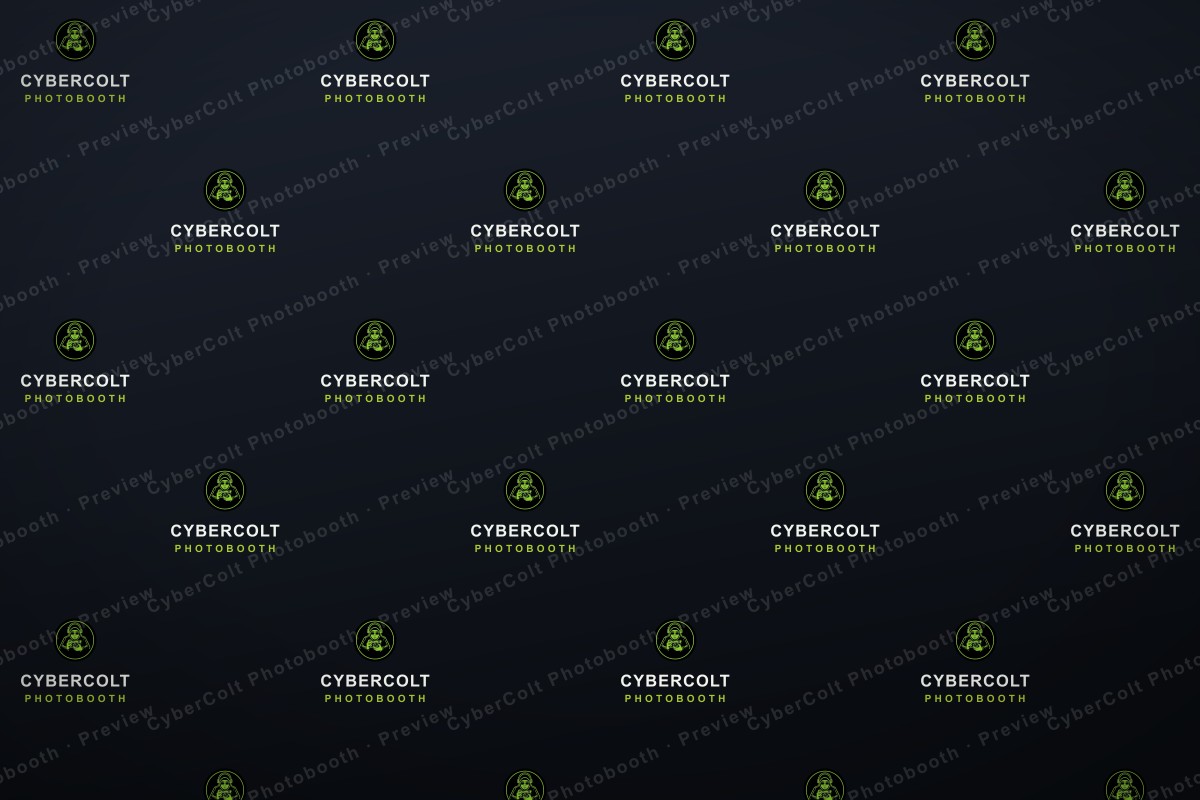
Want the whole room branded? We design a custom step-and-repeat from your logo and load it in as one of your event’s backdrops — the classic red-carpet “logo wall,” but digital. There is no printed press wall to rent, ship or build; it simply drops in behind every guest, just like any other backdrop.

  • Built for corporate events, galas, launches and sponsor activations
  • Every guest photo carries the branding — on the strip, the gallery and the share
  • Load more than one and swap between them mid-event — keynote, after-party, or per sponsor
Ask about a custom backdrop
A professional group in business attire posing in front of a branded step-and-repeat backdrop

Brand: CyberColt Photobooth

Sample mockups for illustration; logos are the property of their respective owners.

Two ways to run it

Smart by default. Green screen if you want it.

No equipment

Smart mode

AI replaces the background behind your guests. No physical green screen is needed, so the booth is the only thing you set up.

Optional

Green screen mode

Already own a green screen and want the cleanest possible edges? This mode keys out a real backdrop instead. It is there when you want it, never required.

Questions

The ones people ask first

Do I need a green screen?

No. Smart mode replaces the background with AI, with no physical green screen. Green screen mode exists for operators who want to key out a real backdrop for the cleanest edges.

Can I use my own backdrop design?

Yes. Upload your own backdrops to your account and add them to any event, next to the designs in the CyberColt library.

Can the backdrop change during an event?

Yes. Backdrops can be swapped at any time, even mid-event, without restarting the booth.

Do the backdrops cost extra?

The library of 284+ backdrops is included with the software. Pricing for the platform is by subscription, quoted to how many events you run.

How do I choose a backdrop for an event?

Open the event, choose Virtual backdrop, then Choose from library. Every design has a catalog number you can search.

Leave the backdrop at home.

See the booth and the backdrop library on a live demo. You will have a price within one business day, with no obligation.

colton@cybercolt.com  ·  (708) 802-1892

Book a demo
Reply within one business day
Book a demo
Powered byCyberColtSolutions LLC